How To Set Up a Roku Player or Roku TV
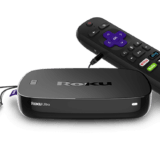
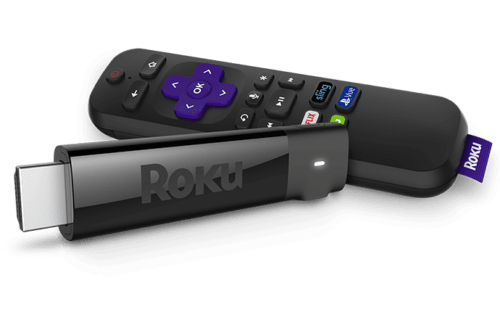 Do you want to know how to set up a Roku Player or Roku TV?
Setting-up and activating a new Roku Player or Roku TV is easy and FREE! Setup is FREE for ALL Roku models and the Roku TV. You DO NOT need to pay a company to set up and activate your Roku. Roku provides easy-to-understand setup instructions with your Roku and has on-screen instructions that makes set up easy.
Beware of Roku set up and activation fee scams! There is no need to pay someone to set up or activate a Roku.
Read about the Roku Activation Fee Scam.
How To Set Up a Roku Player or Roku TV
- Follow the Quick Start Guide instructions that came with your Roku
- Connect your Roku Player or Roku TV to the Internet
- Link your Roku with the Link Code displayed – Go to https://my.roku.com/link on your computer, tablet, or phone. Follow the instructions.
- Create a Roku Account – There are no fees!
- Add your Roku Channels
Roku has NO activation fee. NO setup fee. NO monthly subscription fee.
Need more help activating your Roku player or Roku TV? Follow Roku’s instructions on How to activate or link your Roku® streaming device.
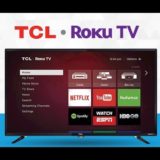
Need more help setting-up your Roku TV? Follow Roku’s instructions on How to set up your Roku TV.
Roku Setup Videos
Setup videos for more Roku devices can be found on the Roku Setup and Troubleshooting website.







1 Response
[…] Related… How To Set Up a Roku Player or Roku TV […]